Help & Support
How can we help?
Answers for operators running a listing and for visitors using the app. Can't find it? Send us a message.
Add your listingGet your business on the directory, free.Download the appMaps and field tools for iPhone & Android.Sign inAccess your operator account.Operator cockpitManage your listing, bookings, and plan.
For operators
Adding your listing
Use the "Add your listing" button in the menu and type your business name. If it's already in the Off Road Hubs directory, pick it from the matches; if not, add it in a couple of minutes. A basic listing is free.
Type its name on the "Add your listing" page and pick it from the matches, or open its page in the directory and click "Claim this listing." You'll create an operator account, verify that you run the business, and then you can edit everything from your cockpit.
No. A basic directory listing is always free. Paid plans are optional and unlock the operator tools: your own bookable website, a branded experience in the app, marketing, and more.
Editing & removing your listing
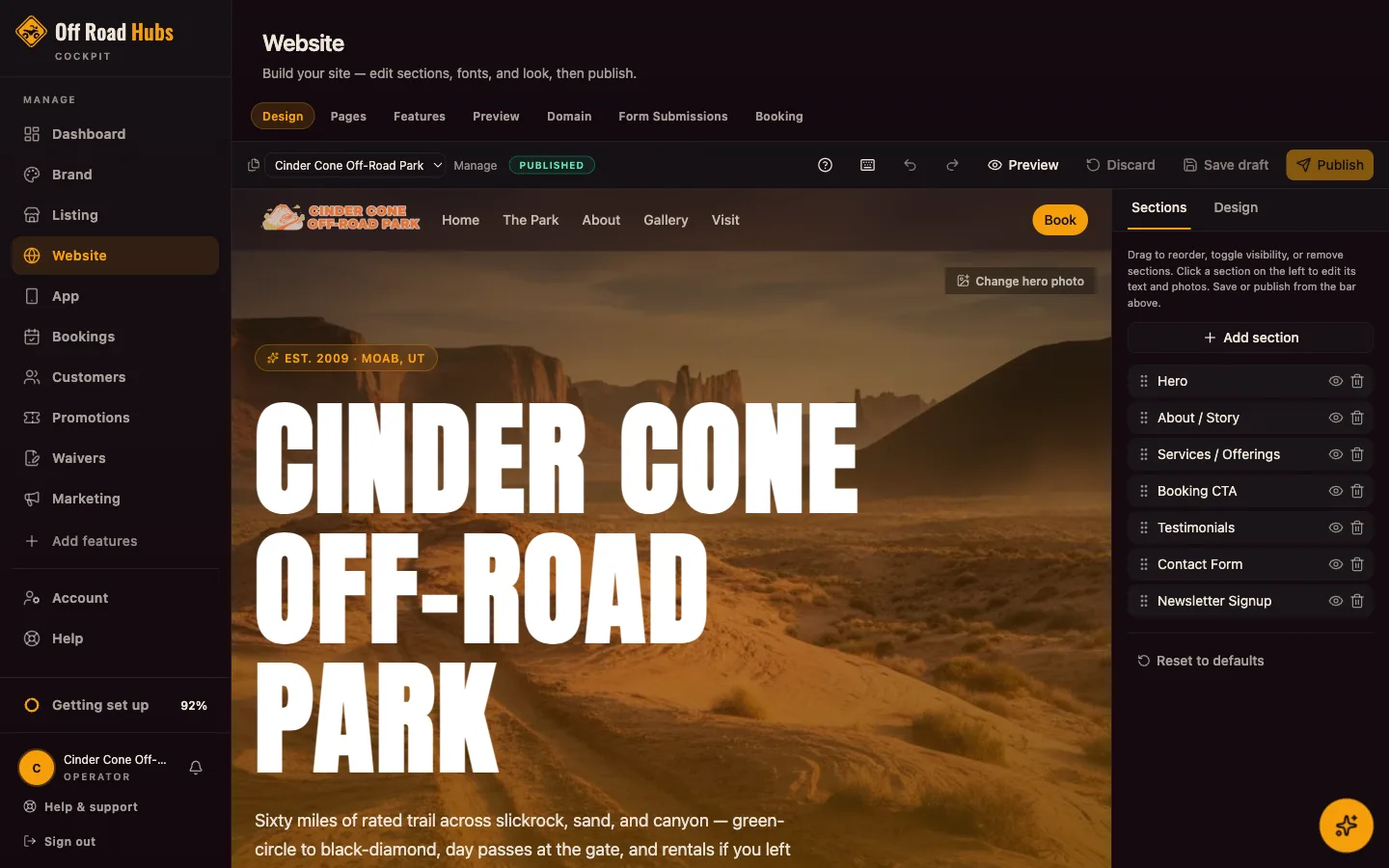
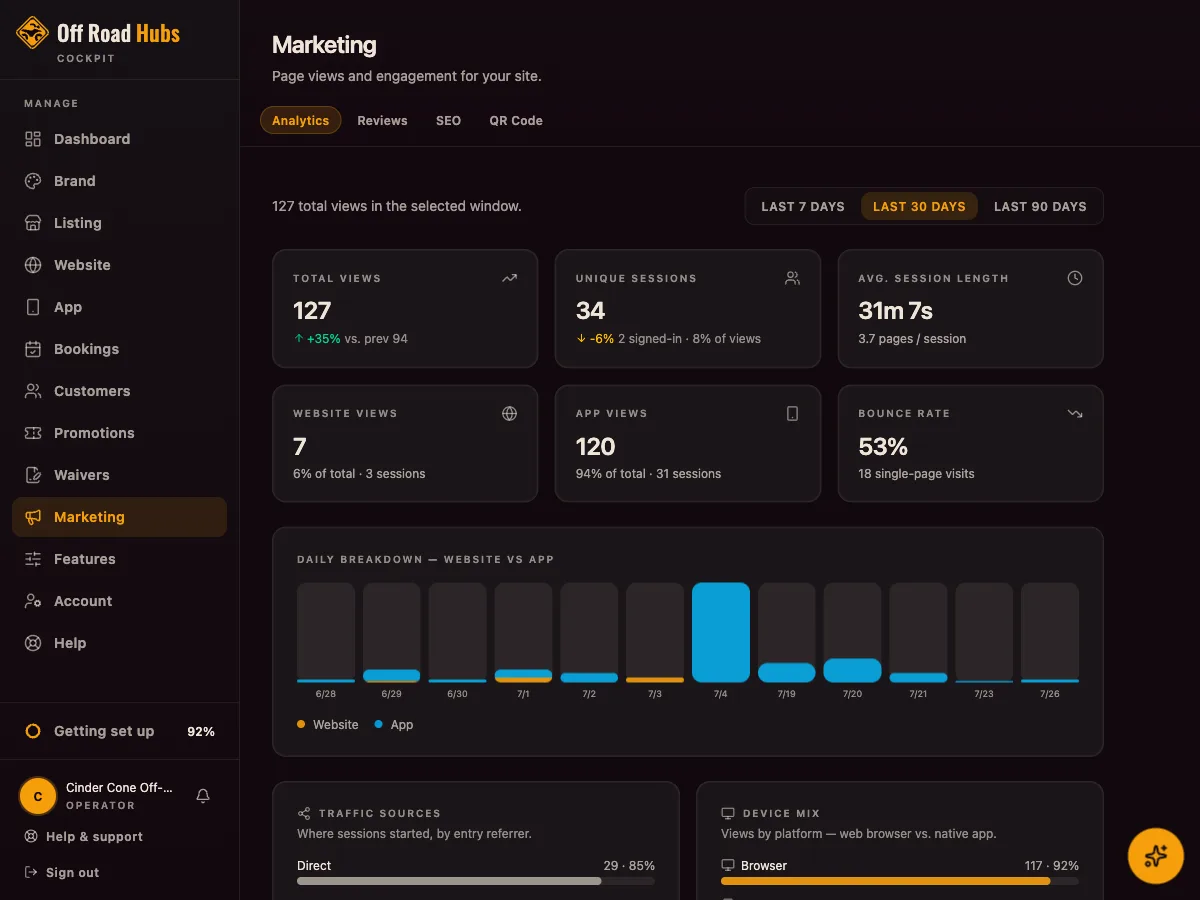
Sign in and open your cockpit. Under Profile you can update your description, contact info, hours, address, photos, and social links. Changes show on your public listing within a few minutes.
In your cockpit, go to Profile → Photos to manage images and Profile → Details for hours and contact info.
You can unpublish or delete your listing from the cockpit, or just send us a message using the form below and we'll take care of it. If you have an active subscription, removing your listing also cancels it.
Your plan & billing
Paid plans turn your free listing into a full operator toolkit: the Website plan gives you a bookable website on your own domain, reviews, and marketing tools, and Website + App adds a branded experience inside the GoHubs app. See the Pricing page for the current tiers.
Open your cockpit and go to billing. You can upgrade, downgrade, or cancel at any time. There are no long-term contracts.
For visitors
Using the app
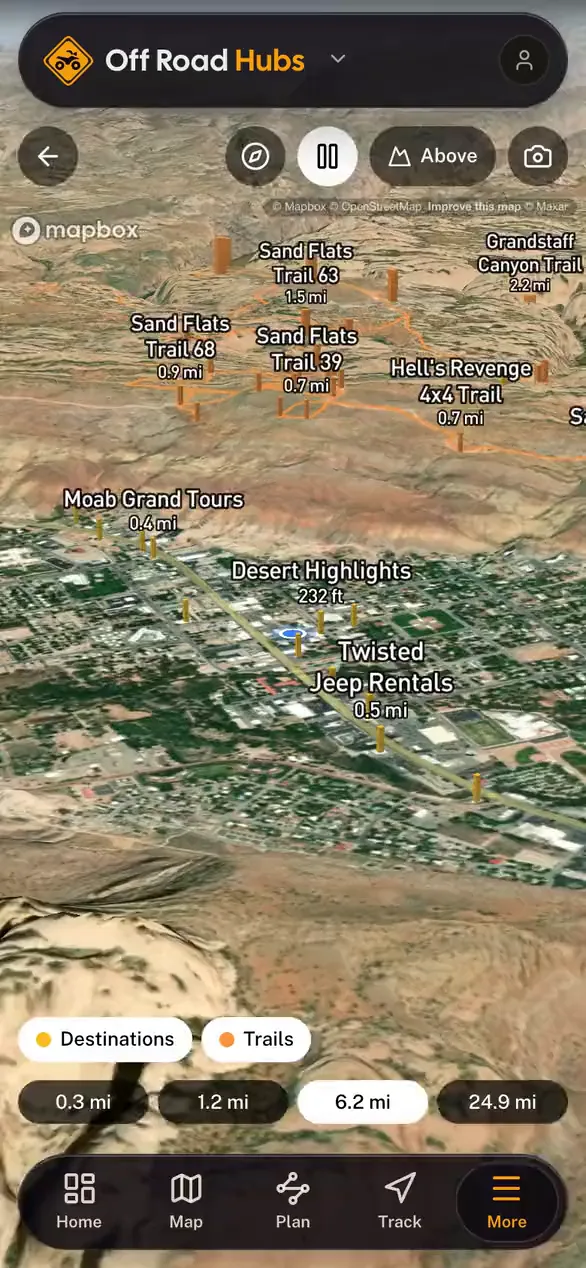
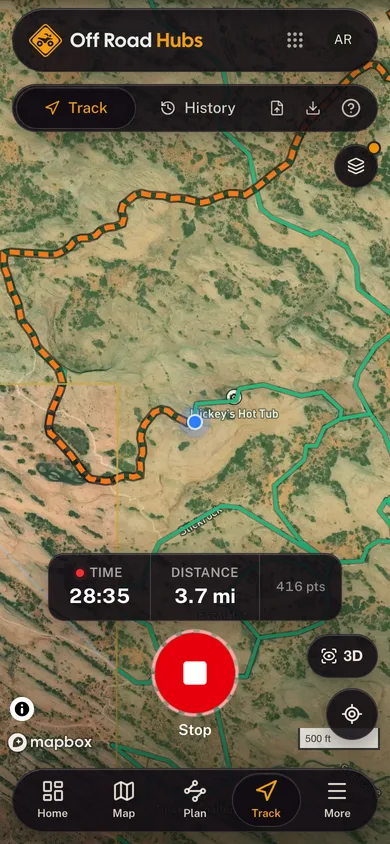
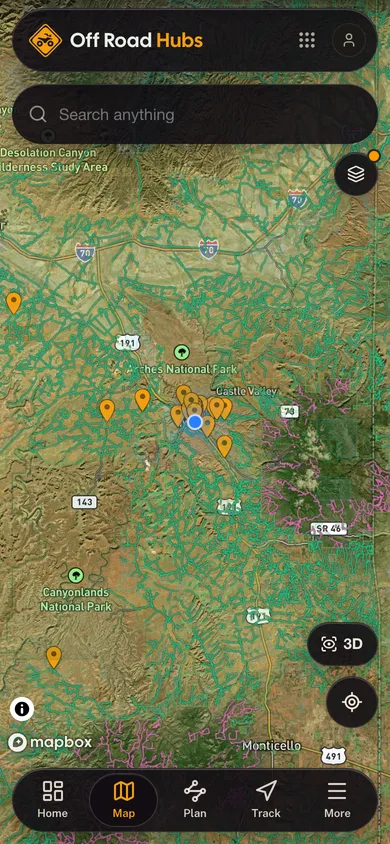
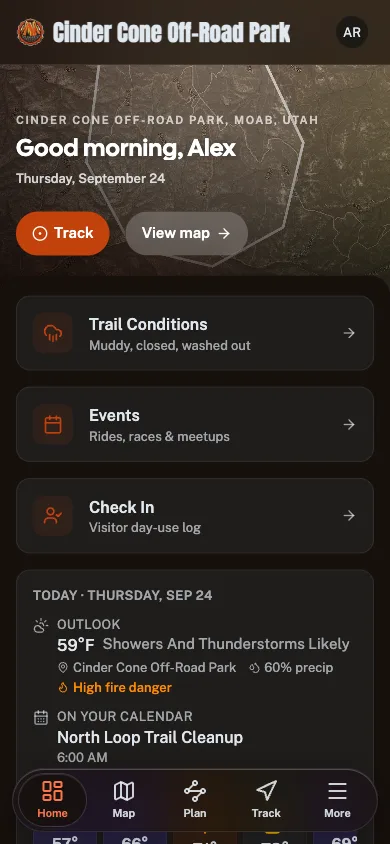
There's one free app, GoHubs, and it covers Off Road Hubs along with every other Great Outdoor Hubs vertical. Head to the Get the App page to install it on iPhone or Android, or run it free in your browser on any device.
Yes, completely. The maps, conditions, and field tools work for free with no trial and no paywall. An account only matters if you run a listing as an operator.
No, just one. Install GoHubs once, then choose Off Road Hubs (or any other vertical) inside the app, or open a specific operator by name or QR code.
Signing in & your account
Use the Sign in link in the menu. You only need an account to run a listing as an operator or to save things in the app. Browsing the directory needs no sign-in.
On the sign-in page, use the "Forgot password?" link and we'll email you a link to set a new one.
Finding & contacting operators
Use the search on the Off Road Hubs home page or browse by state or category. Every result links to a full listing with details, photos, and contact info.
Open the operator's listing. Their phone, website, and booking links (when available) are right on the page. Reach out to them directly to book or ask questions.
Still need help?
Send us a message and a real person will get back to you.
- Emailhello@offroadhubs.com
- Phone+1 (321) 515-4404Calls go to voicemail and we reply by email, so a message reaches us fastest.
- Response timeWithin one business day